BYOD: MAM vs full MDM — boundaries from the field
BYOD: when app protection (MAM) is enough versus full MDM—a decision framework for Microsoft 365 administrators.
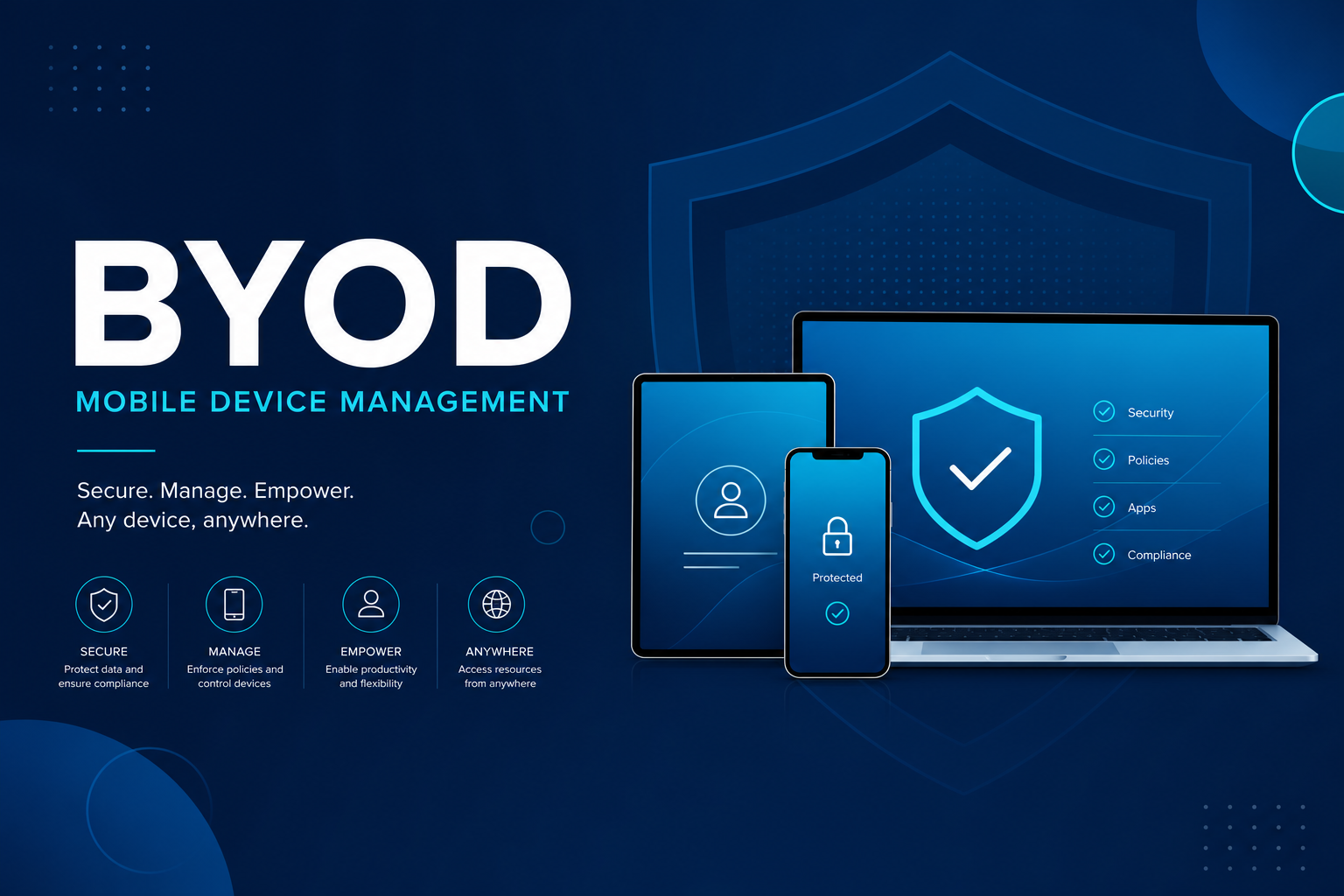
The strategic question
Employees want Outlook and Teams on personal phones. Leadership expects corporate data protection. IT weighs full MDM enrollment versus application-level protection (MAM / App Protection Policies).
When MAM fits
Microsoft app protection policies encrypt corporate data inside the app container, enforce PIN, restrict clipboard leakage, and support selective wipe without factory-resetting a personal phone. This path fits BYOD scenarios where you do not want a device profile or an organization-managed app store.
When MDM is required
If you need full device configuration (Wi‑Fi, certificates, firewall, compliance-gated VPN) or industry regulations demand OS-level visibility, Intune device enrollment is the better match. The trade-off is stronger user impact and clearer BYOD legal obligations.
Decide in four steps
- Classify data reachable from the phone (public vs confidential).
- Pick an ownership model: BYOD, COPE, or corporate-only.
- Align policy sets (APP for MAM; configuration + compliance for MDM).
- Test device-loss scenarios: is app-only wipe enough, or do you require full device control?
User communication
A plain-language message (“we only protect corporate apps on this phone”) reduces friction. A short training with PIN and account recovery examples cuts post-rollout ticket volume.